|
The Adobe
Acrobat program allows files created with virtually any Windows program to be
converted to Acrobat Reader format. This keeps the exact appearance of the
original. Since Acrobat Reader is a free program, these files can then be shared
with anyone. Acrobat Reader files have an extension of .PDF. The Acrobat Reader comes installed on many PCs, but if you don’t have it, you can download it here. Sometimes people experience problems printing with Acrobat Reader. Part of the page will be missing, or it will be garbled. This is nearly always caused by using an older version of the program. Go to the Adobe site to make sure you have the latest version. |
|
The graphic below was taken from Acrobat 2015. Hover the pointer over an icon to read what its function is. |
|
|
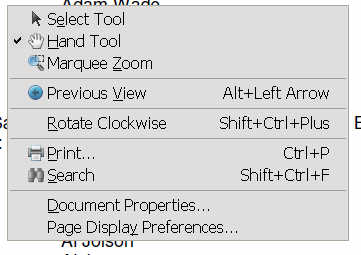
Some versions may lack some of the icons described above. RIGHT click anywhere on the page for a menu of options. "Select tool" turns on the cursor to highlight text. Hand tool allows you to press and hold the mouse button to scroll up and down the page. |
|
|
|
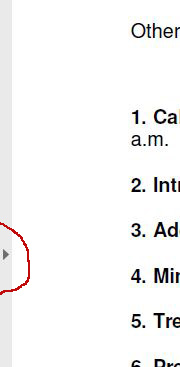
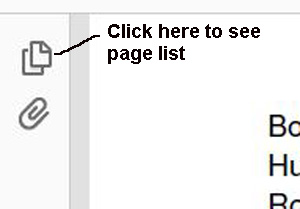
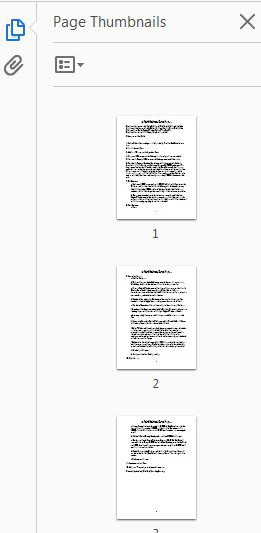
On the left side of the latest Acrobat screen you can see a visual list of pages. Click on any page to jump to that location. If the list does not appear, click on the small triangle arrow at the left middle of the screen, then click on the icon that looks like two overlapping pieces of paper. |
 |